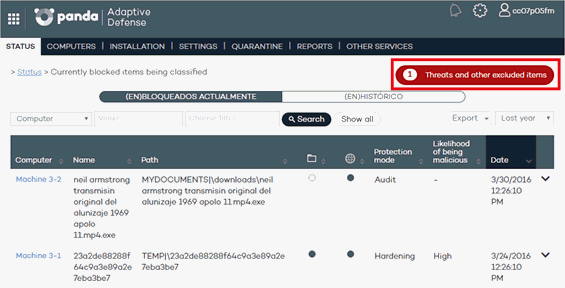
To manage exclusions and configure the way the solution must behave when reclassifying known and unknown items, go to the Threats and other excluded items window. You can access this window from the button displayed in the Status window, or at the top of the Malware/PUP/Blocked item lists, which you can access after clicking the relevant section in the Activity dashboard.
The Threats and other excluded items window lets you specify the action to take with excluded or unblocked items.

Also, the Threats and other excluded items window lets you choose between managing the items that are currently allowed or accessing a history of every item that has been allowed so far. The window's contents will change depending on the option you select.
