Mapping your Partner Center account to a new Service Provider account in WatchGuard Cloud
-
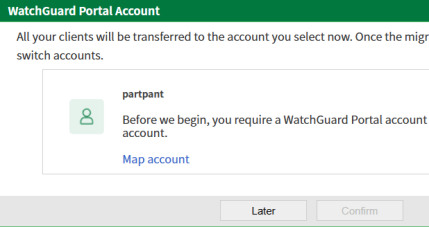
In the WatchGuard Portal Account dialog box, click Map account. The https://accountmapper.watchguard.com page opens in a new browser tab.
-
-
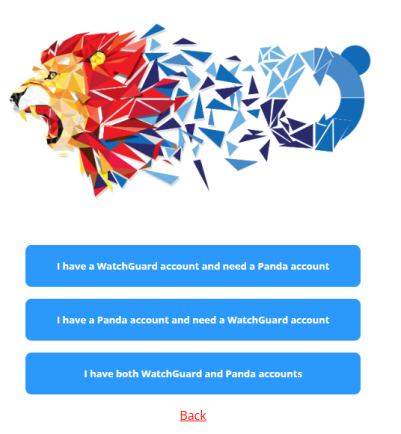
Select an option depending on whether you already have a WatchGuard account. The Add Account Details page opens.
-
-
In the text boxes, type your account details.
-
Click Submit. A message appears that tells you the account was created successfully.
-
To map your created account to your Partner Center account, click Continue.