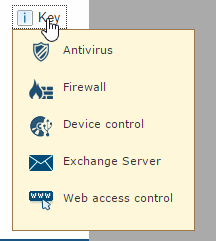
The Settings window displays all existing profiles and the protections enabled in each of them. A series of icons will indicate the protections included in each profile. Place the mouse pointer over the Key for more information about what each icon represents.
It also shows the profile assigned to each group.
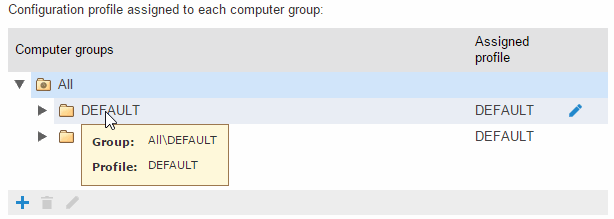
The first time that you go to this window you will see the Default profile and information about the associated protection.
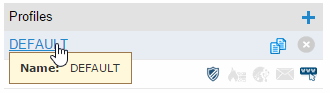
Bear in mind that:
The following protection modules are disabled by default:
Protection for Exchange Server (only available to clients with licenses).
Web access control (only available to clients with licenses).
The protection for Exchange Server supports Exchange 2003, 2007, 2010 and 2013.
If at any time you want to change this profile's configuration, click its name. This will take you to the Edit profile window. Select the corresponding options and click OK.
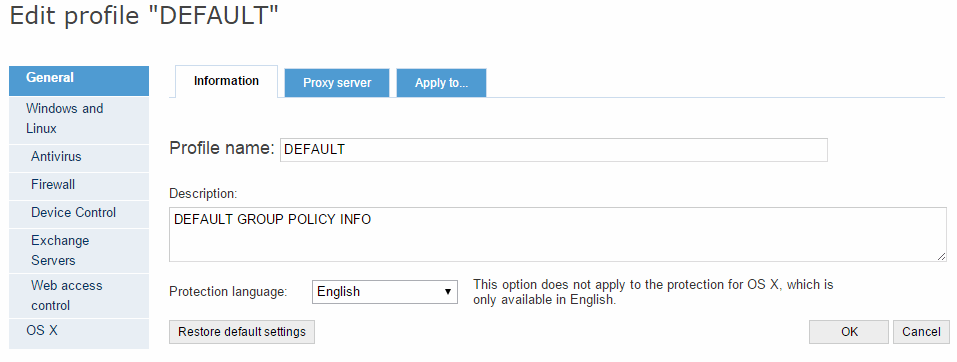
If later you want to restore the original configuration of the profile, you can do so using the option Restore default settings in the Edit profile window.