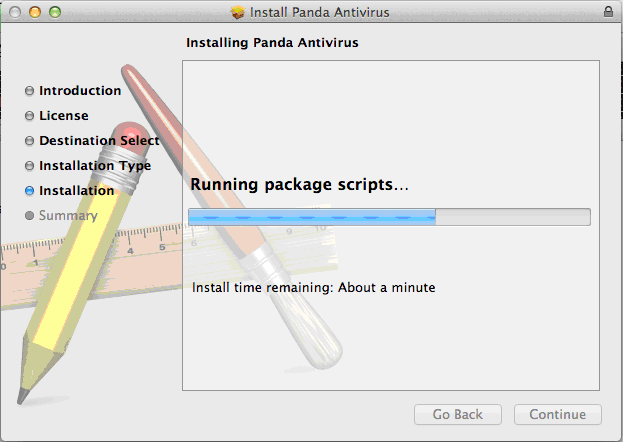
To install the protection so that it integrates seamlessly with the Endpoint Protection server, you must download the installer from the console (refer to the relevant section in the online help for more information):
http://documents.managedprotection.pandasecurity.com/Help/v71000/Customers/Default/en-us/014.htm
The name of the downloaded installer is MacWAAgent.dmg. Double-click the file on the OS X computer to show its content:
The MacWAAgent.pkg file is the actual installer. Click this file to install the product.
The generalInformations.plist file is a configuration file that contains the necessary information for the product to integrate with the Endpoint Protection server.
Double-clicking the MacWAAgent.pkg file displays a wizard that will guide you through the installation process.
When the wizard is finishing the installation, a window will be displayed with the steps to be taken to integrate the system with the Endpoint Protection server.
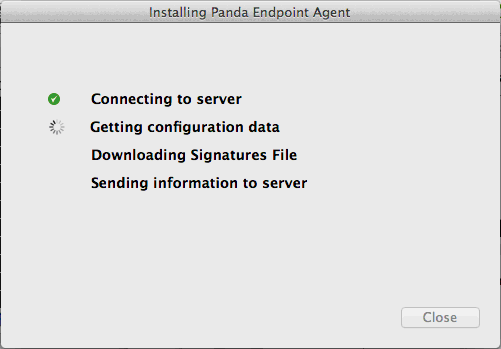
These steps are checked off as they are completed:
Connecting to server Sends an integration message to the server.
Getting configuration data Sends a message to obtain the configuration policies.
Downloading Signature File Updates the signature files.
Sending information to server Sends a status message with up-to-date information.