The solution checks to see every 6 hours by default if there are new detection reports to send to the server.
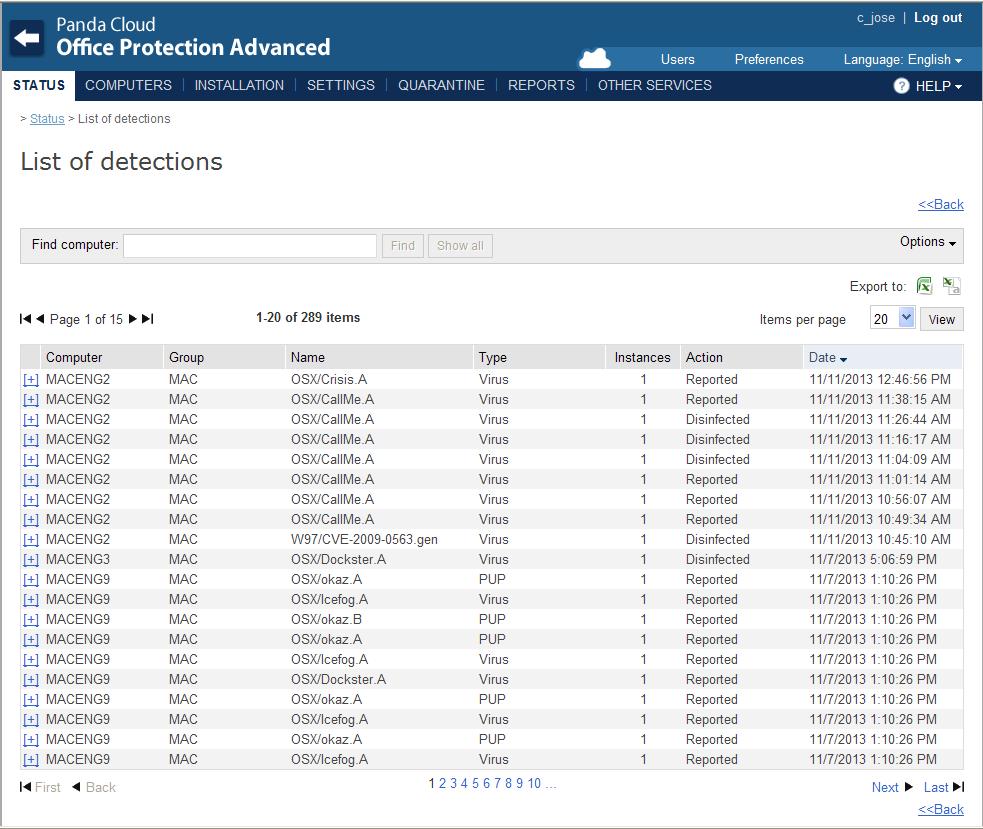
Reports are sent to the server in messages with a maximum of 20 items. These reports are displayed in the Web console, in the Status menu > List of detections window, just as the reports generated by the protection for Windows computers.
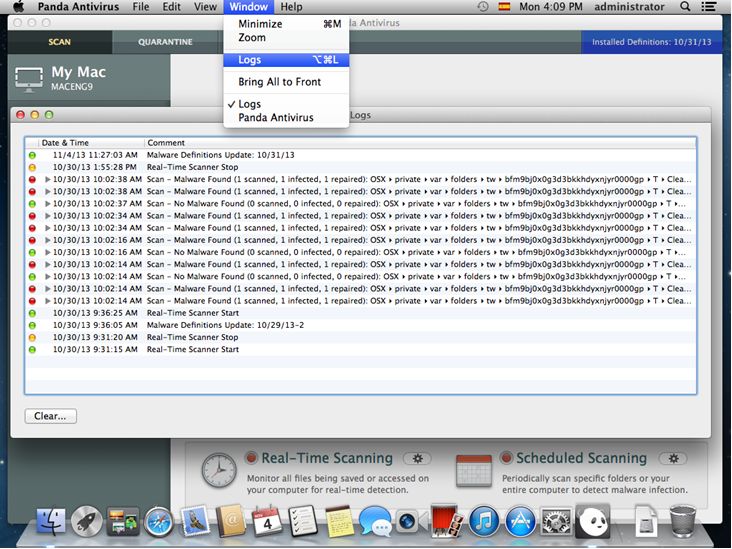
The local console allows you to check a log file with all the detections made by the product. To access it, go to the Window menu and select Logs.